EDITING AND FORMATTING IN MICROSOFT WORD: TECHNIQUES FOR EFFICIENT DOCUMENT PROCESSING
Subjects/Theme:
Document Editing, Text Formatting, Microsoft Word, Copy Paste, Cut Operation, Paragraph Formatting, Page Setup, Print Preview, Headers and Footers, Footnotes, Document Processing, Office Applications.Description
This chapter provides a detailed understanding of editing and formatting operations in Microsoft Word, which are essential for creating professional and well-structured documents. It begins by explaining the concept of editing, including fundamental operations such as adding, deleting, copying, moving, and pasting text. These operations form the basis of document modification and content management in word processing.
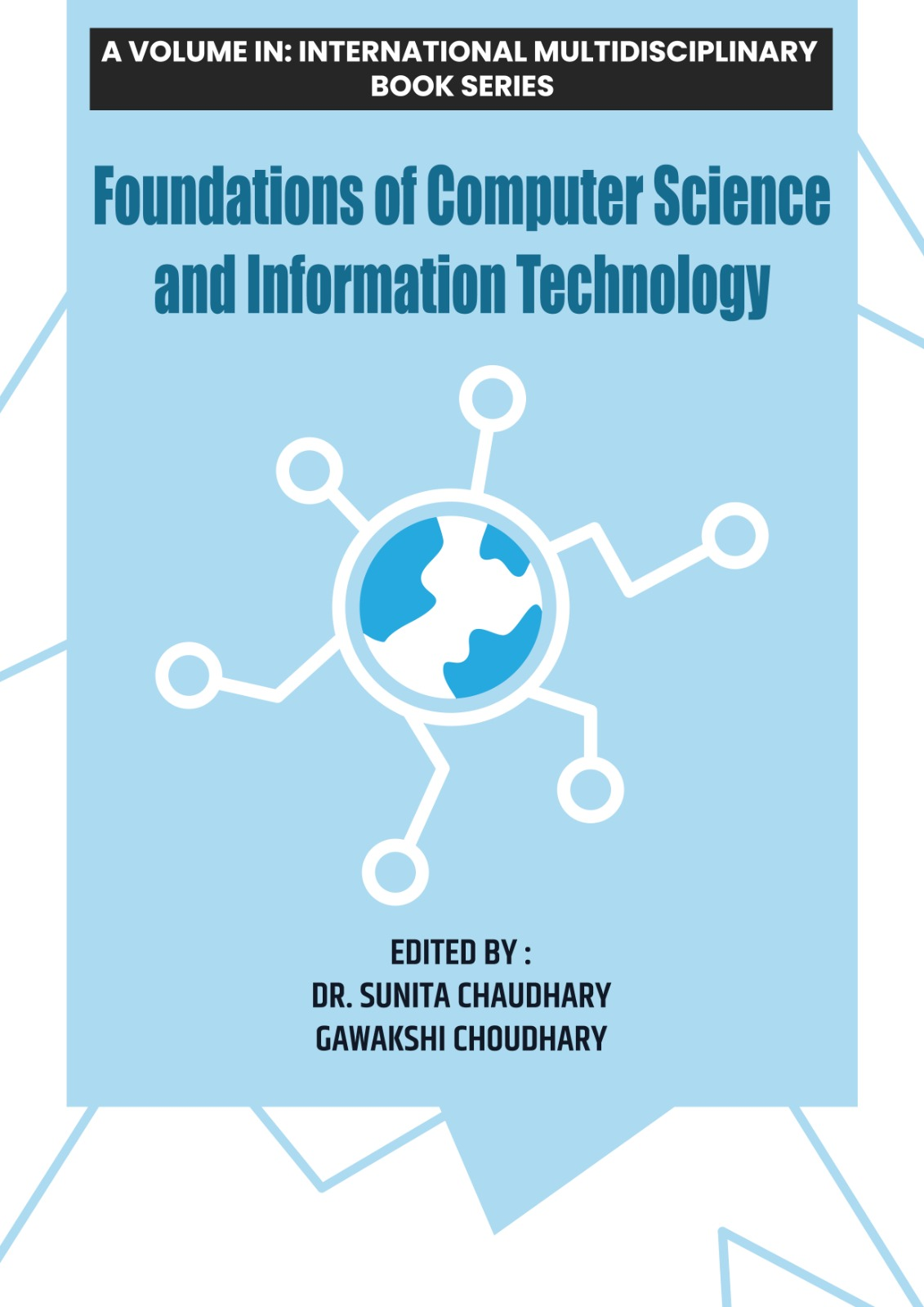
Book Series Title:Foundations of Computer Science and Information Technology
Edited By: Dr. Sunita Chaudhary, Gawakshi choudhary
ISBN: 978-81-685212-8-5
The chapter further explores various formatting techniques, including character formatting, paragraph formatting, page formatting, and the use of bullets and numbering. It highlights the importance of formatting in enhancing document readability and presentation. Advanced features such as borders and shading, headers and footers, footnotes and endnotes, and page setup options are also discussed.
In addition, the chapter explains document previewing and printing processes, including print preview features, print dialog options, and page range selection. These tools help users ensure accuracy and layout correctness before producing a hard copy. Overall, this chapter equips users with practical skills required for efficient document editing, formatting, and printing in Microsoft Word.